Practice software built around Ayurveda.
From the first intake to ongoing care, MyDosha brings your client records, consultation notes and treatment plans together. Manage bookings, video consultations and invoicing in the same place.
Ayurveda at the heart of your practice.
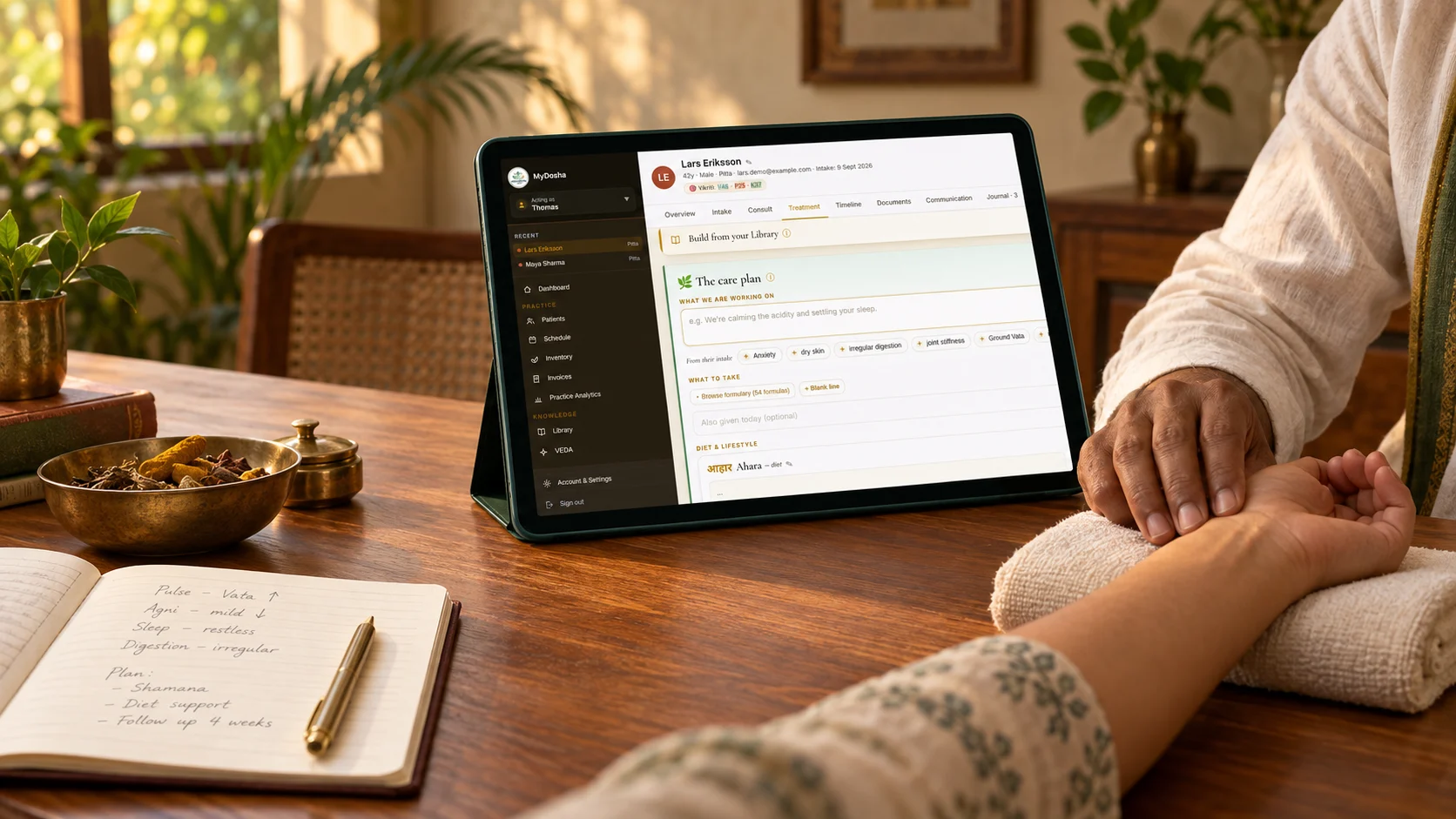
Follow an Ayurvedic assessment flow, dictate notes using Ayurvedic terminology, and create personalised treatment plans with diet, lifestyle and yoga guidance. Explore all functions below.
Try it free for 14 days · No credit card required · Demo patients included
- Records stored in the EUFrankfurt (AWS eu-central-1)
- Data processing agreement includedIn force once you accept the terms
- Not used to train AI modelsOur AI provider’s commercial terms forbid training on our data
- Encrypted in transit and at restBy our hosting providers
- You stay in control of your dataYou are the controller; export your patient archive any time.
Details: Security · Privacy policy · Data processing agreement
Live demo
See MyDosha live
Free live demo on Zoom, about 45 minutes, with time for your questions.
Tip: create your free account beforehand and log in when the demo starts.
New dates are announced on the webinar page. Meanwhile you can start a free trial.
What you get
Everything a practice needs, organised by what you do in a day.
The full clinical product is included on every plan.
During the consultation
Record it the way you’d say it. MyDosha sorts it into fields for your review.
Dictation that knows Ayurvedic terms
Dictate or record the whole consult. A built-in vocabulary of Ayurvedic and Sanskrit terms guides the transcription, and findings are sorted into fields for you to confirm.
Ashtavidha Pariksha charting
A dedicated place for the eight-fold examination.
Body map
Mark where the patient reports a complaint: body, tongue, hands or nails.
Video consults
Start the call from the appointment; the patient joins in the browser, with no app.
Clinical photos
Upload and compare side by side over time.
Reference chat with full patient context
Look up formulations and classical passages without leaving the record. Clinical decisions stay with you.
Private practitioner notes
Kept out of everything the patient sees.
Timeline across visits
Every visit in date order; compare two visits side by side.
Same-gender matching
Where it matters for treatment — set it to warn or strict.
Seasonal guidance
Ritucharya notes on the patient overview.
The treatment plan
Build it once: it prints, goes out by email and shows in the patient portal.
Treatment plan builder
Organised by Aushadha, Ahara, Vihara and Panchakarma, in phases with an intake schedule if you want.
Yoga poses with drawings
Pick asanas from an illustrated library; each prints with its drawing on the patient’s sheet.
Panchakarma courses
Purva, pradhana and paschat karma, with the session series booked straight into the calendar.
Classical formulary
A reference library of 53 classical formulations, with traditional indications and sources.
Your advice library
Your own handouts and reference documents — your words, not generated text.
Take-home sheet
The plan as a PDF, an email and a page in the patient portal, in your branding.
Running the practice
The calendar, invoices, stock and the team, in the same place as the patient file.
Calendar & online booking
Treatment catalogue, rooms, and a booking page where patients book, move or cancel themselves.
Appointment reminders
An email at the lead time you choose, in your own words.
Invoicing
Credit notes, payment reminders, DATEV and GebüH for Germany, Swiss franc invoices.
Inventory Beta
Herb and formula stock with dispense and restock logs.
Practice analytics Beta
See how your practice is developing.
Team seats and roles
Owner, practitioner, therapist and front desk, each seeing what the role needs.
VEDA practice assistant
Ask it to book an appointment, draft an invoice or restock; it prepares a card and you confirm.
Import & export
Bring patients in from a spreadsheet; export the whole practice or one patient’s file, no ticket needed.
Your patients
Before, between and after visits.
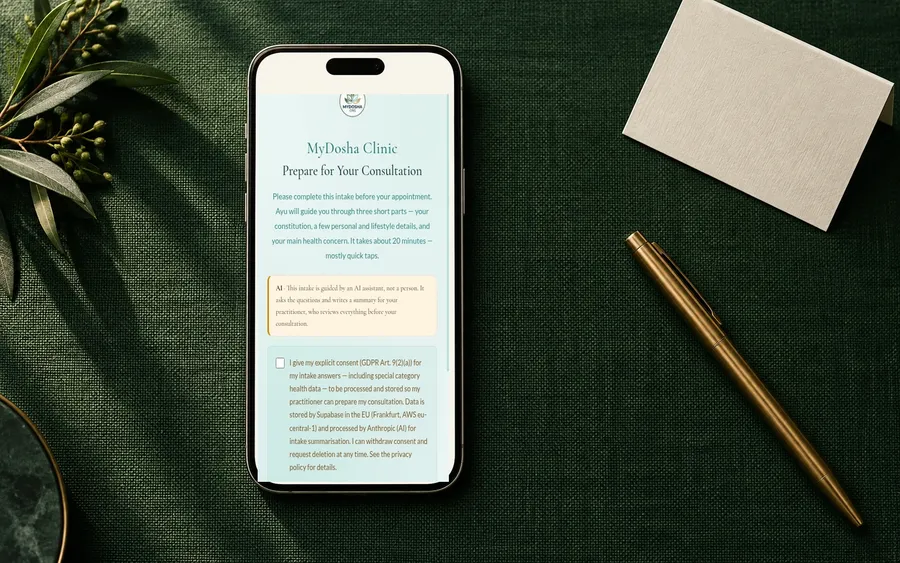
Intake before the visit
Patients answer on their phone in English, Dutch, German or European Portuguese. How it works
Your own questionnaires
Build a form or import yours from Word or PDF, and send it as the intake.
Patient portal & health journal
Secure magic-link access; a five-slider journal with optional check-ins.
Secure messages
Patients are told by email and reply from their portal.
Documents
Labs and referrals on the file, shared with the patient only when you choose.
Colleague referrals
Consent-gated, read-only links for a second opinion.
Your patients · How the intake works
The intake happens before the client walks in.
On the client’s phone, in their own language and time. You open a briefing, not a blank page.
- 1
Send the intake link
By email, WhatsApp or SMS. The client picks English, Dutch, German or Portuguese before it begins.
- 2
VEDA holds the conversation
An adaptive intake that follows up on vague answers and frames everything as self-reported. It never reveals the dosha result during the conversation.
- 3
Your briefing is ready
The intake answers wait in your workspace, with questions you may want to ask about what the patient left open.
See every feature, grouped the same way →
Items marked Beta are live but still maturing.
See the whole flow, start to finish
A 47-minute walkthrough of a full case: intake, charting, care plan and prescription. Chapters let you jump to the part you care about.
Start free trial →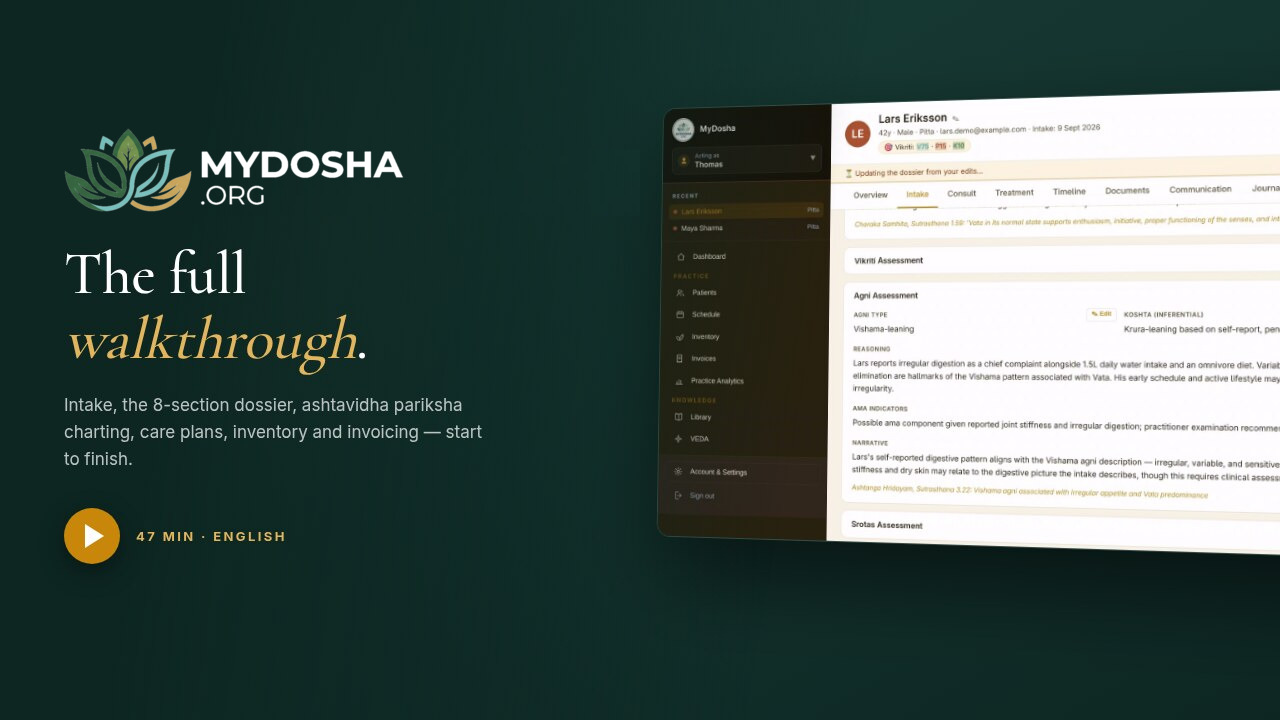
47 min · English · intake → charting → care plan → prescription
Private and practitioner-led by design
The AI prepares. You decide.
MyDosha organises your client’s intake and keeps your records. It does not diagnose — your examination, your judgement and your treatment plan remain yours.
Records stored in the EU
Patient records are stored in Frankfurt (AWS eu-central-1). A Data Processing Agreement is part of every account from the moment you accept the terms. AI requests are processed by Anthropic under its commercial terms, which forbid training on our data.
Consent first
Clients give explicit consent at intake. You control export and deletion yourself, from your own settings.
No self-diagnosis
VEDA never reveals the dosha result during the conversation. The dossier uses observational, classical language — an orientation for you, not a diagnosis.
Every AI feature has an off switch
Switch the AI off entirely, or disable individual features. Records, scheduling and invoicing keep working. Every clinical decision stays yours.
“Tends toward…”, “consistent with…” — the dossier describes, it never declares.
MyDosha is not a medical device and is not intended for diagnosis or treatment (intended use). Sub-processors include Supabase (database, AWS eu-central-1, Frankfurt), Anthropic’s Claude API (US, under Standard Contractual Clauses), Deepgram (dictation, EU endpoint) and Vercel (hosting). Full list on the GDPR & Data page.
Pricing
One clinical product. Priced by the size of your practice.
Every plan starts with a 14-day free trial. No credit card, no setup fee, no per-patient charge. AI allowances are included; extra credits are optional, prepaid, never a surprise bill.
For a new or part-time practice.
- Up to 15 active patients
- 1 practitioner + up to 3 assistant or therapist accounts included (front desk: booking, messages, viewing invoices; no clinical editing)
- 5 hours of dictation and 100 VEDA credits a month
- Full clinical product
- Custom branding (logo + accent colour)
- DPA included (GDPR Art. 28)
Trial first, then choose Starter
One practitioner, full caseload. €490 / year.
- Unlimited active patients
- 20 hours of dictation and 400 VEDA credits a month
- 1 practitioner + up to 3 assistant or therapist accounts included (front desk: booking, messages, viewing invoices; no clinical editing)
- Custom branding (logo + accent colour)
- DPA included (GDPR Art. 28)
- Email support · 72h response
14 days free · No credit card
Clinics with several practitioners, two included. €990 / year.
- Everything in Solo, plus:
- Up to 10 practitioners + up to 3 assistant or therapist accounts — two included, private caseload each; assistant and therapist accounts don't use a practitioner seat
- Each extra practitioner: €39/month, billed pro rata
- 15 hours of dictation and 300 VEDA credits a month per practitioner, shared by the whole practice
- Treatment rooms & day plans — double-booking-proof room scheduling, printable daily treatment plans
- 1-hour onboarding & data-import call
- Quarterly product strategy call (you shape the roadmap)
- Priority support · 24h response
14 days free · No credit card
For schools, hospitals, multi-location chains, and national associations.
- Everything in Practice, plus:
- Volume pricing per practitioner — quoted on your seat count
- Own sending domain & deeper white-label (on request)
- Bespoke onboarding & faculty training
- Named account manager · quarterly strategy calls
Not sure which plan fits?
Talk it through with us for 30 minutes. No sales pitch: we look together at whether MyDosha fits your practice.
Book a 30-minute callAlready on a trial? Choose your plan in your portal under Account & Settings → Subscription.
- Records stored in the EUFrankfurt (AWS eu-central-1)
- Data processing agreement includedIn force once you accept the terms
- Not used to train AI modelsOur AI provider’s commercial terms forbid training on our data
- Encrypted in transit and at restBy our hosting providers
- You stay in control of your dataYou are the controller; export your patient archive any time.
Details: Security · Privacy policy · Data processing agreement
Every plan includes the full product
AI intake · dossier · dictation · Ashtavidha Pariksha · classical formulary · treatment plans · photos · patient portal & health journal · reference chat · self-booking · invoicing · analytics · inventory
Prices in euro. Prices include VAT where it applies. No setup fees, no per-patient charges. AI is included with a monthly allowance. Voice dictation is included and metered per month, using Deepgram professional speech-to-text at an EU endpoint on paid plans (5 hours on Starter, 20 on Solo, 15 per practitioner on Practice, 100 on Academy), and so are VEDA credits, where one credit is one VEDA answer (100 on Starter, 400 on Solo, 300 per practitioner on Practice). Optional prepaid top-ups, always charged in euro: 10 hours of dictation or 250 VEDA credits, €12 each. Questions?
Invoices for Portugal: use your certified invoicing software; MyDosha handles intake, records and appointments.
Who We Are
Built by a patient, shaped by practitioners.
MyDosha started with one recovery and is refined every week with Ayurvedic practitioners in daily practice.
Founder & Builder
Thomas Thijs
Dutch entrepreneur with a hospitality background. His own recovery through Ayurveda is why MyDosha exists; his job is to bridge a classical method with modern software.
Ayurvedic Advisor & Clinical Partner · BAMS, Goa
Dr. Rohit Borkar
More than twenty years in clinical practice. Shapes the intake framework and the clinical reasoning behind the dossier.
Founding practitioners
Dr. (Ayu) Kanchan Sharma — President, Ayurvedic Professionals Association (APA), UK
Madelon Elbers — GP & Ayurvedic practitioner, Netherlands
Cornelis Peters — Co-founder, Europa Ayurveda Centrum, Netherlands
Personal experience shared with permission. Not medical advice. Individual results vary, are not typical, and do not represent guaranteed outcomes from any Ayurvedic approach. MyDosha has not been evaluated by the U.S. Food and Drug Administration and is not intended to diagnose, treat, cure, or prevent any disease.
Common questions
What people ask before they start.
What happens during the free trial?
Can I use MyDosha without the AI?
How do I get the DPA?
How do I get my data out, or delete it?
Can I put my own branding on it?
Which languages does the intake support?
Run your next consultation in MyDosha.
Start your 14-day free trial today. Demo patients are waiting in the workspace.
Get started free →No credit card. No setup fee. Cancel any time.
Or ask us something first
Questions about the DPA, Academy pricing, or whether MyDosha fits your practice — write to us.
Or email hello@mydosha.org